LinkedIn Sharing
Learner Motivation
Skill check

Badging and Certifications turn progressinto something learners can see, earn, and share.
When a learner earns a badge orcertification, they receive a notification and can view it on the right-hand side of the Learner view screen. Achievements stay visible, reinforcingprogress and recognizing effort over time.
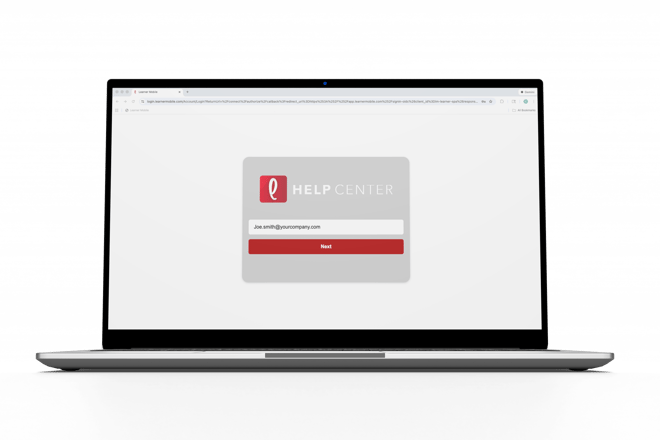
- Log ontoLearner Mobile.
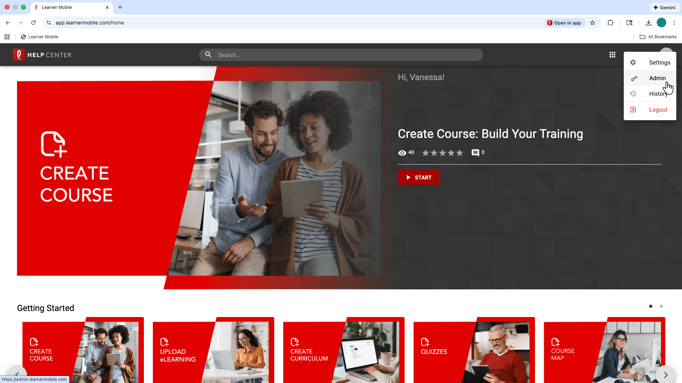
- Navigate to the Admin side of the platform by clicking the circle in the top-right corner.
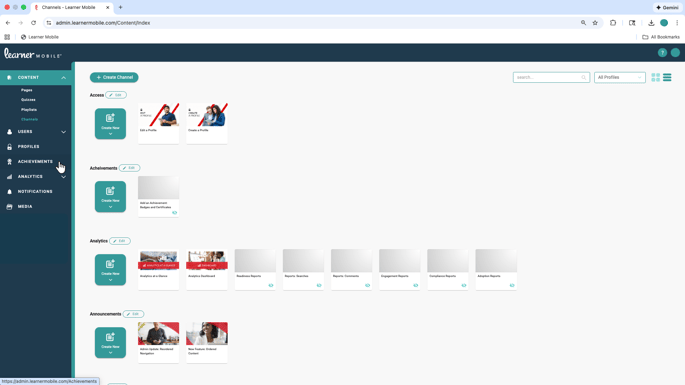
- From the Admin side, navigate to Achievements and select Create Achievement.
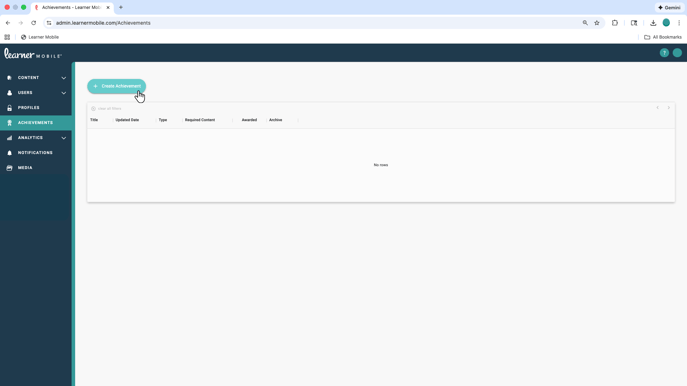
- From here, choose whether you would liketo create a badge or a certificate.
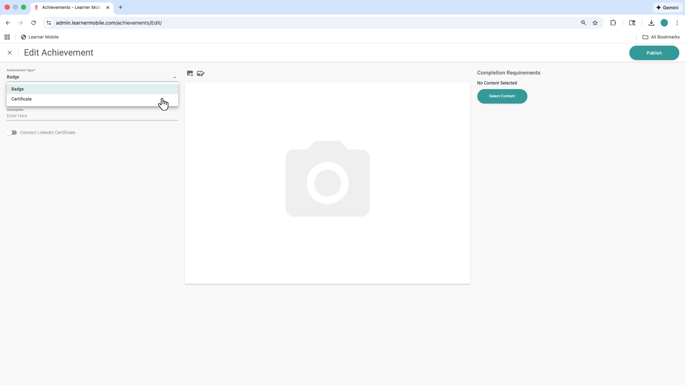
- You can create a badge from scratch.
- For more in-depth accomplishments, switch to Certificate to create or upload certifications that represent deeper mastery or a formal achievement. Certificates can be used for role readiness, compliance, or professionaldevelopment programs.
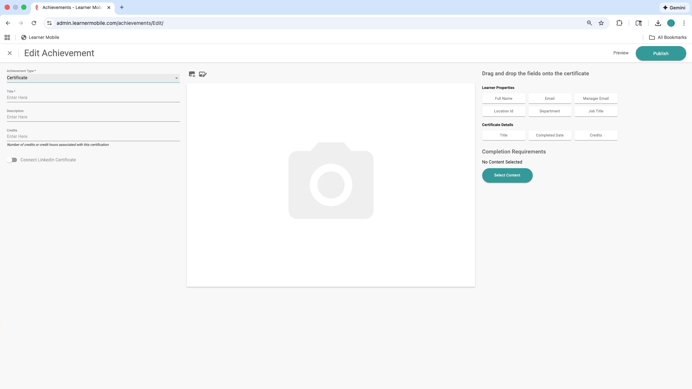
Certifications can also be shared on LinkedIn, giving learners a way to showcase their achievements beyond the platform and connect learning to real-world recognition.
Achievements are designed to motivate learners, recognize meaningful progress, and make training outcomes visible and valuable.