LinkedIn Sharing
Learner Motivation
Skill check

Translations makeit easy to deliver training in the languages your teams actually use.
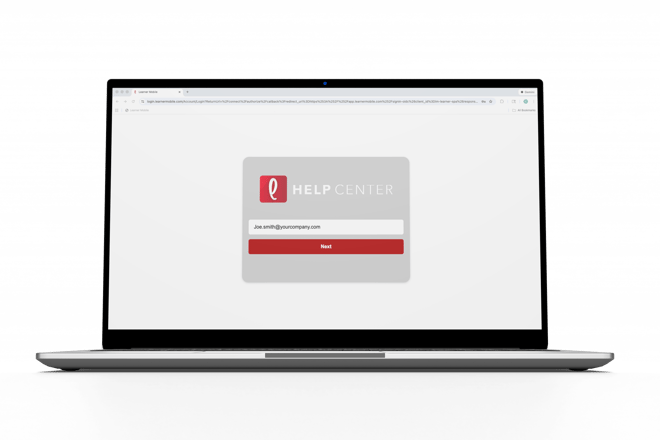
- Log ontoLearner Mobile.
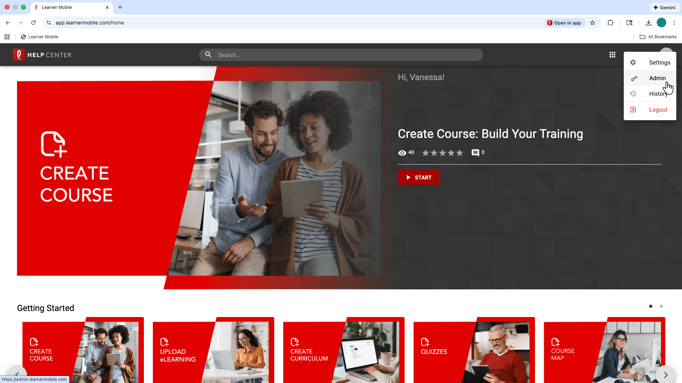
- Navigate to the Admin side of the platform by clicking the circle in the top-right corner.
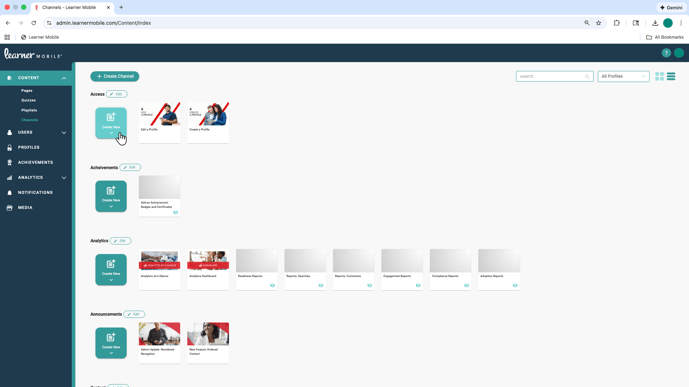
- Go to the Content tab.
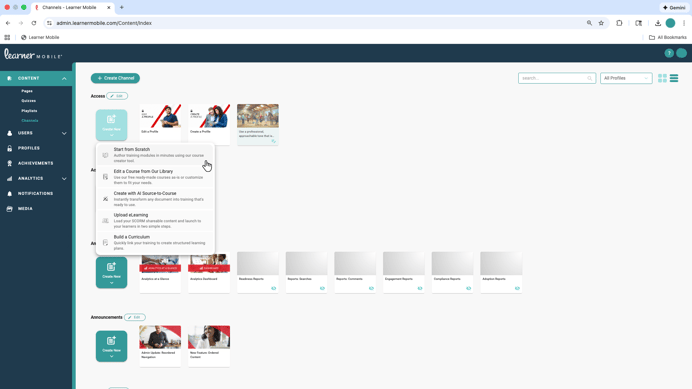
- Select Start from Scratch
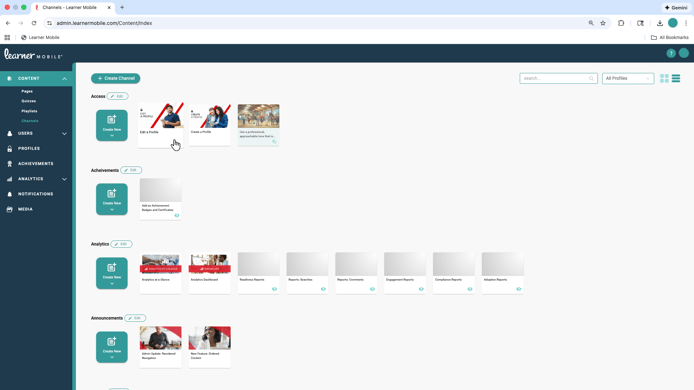
- Or edit any existing content by selecting the course.
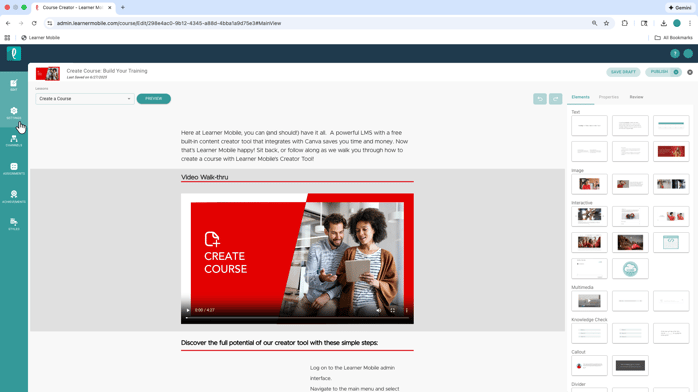
- In the content builder, navigate to Settings.
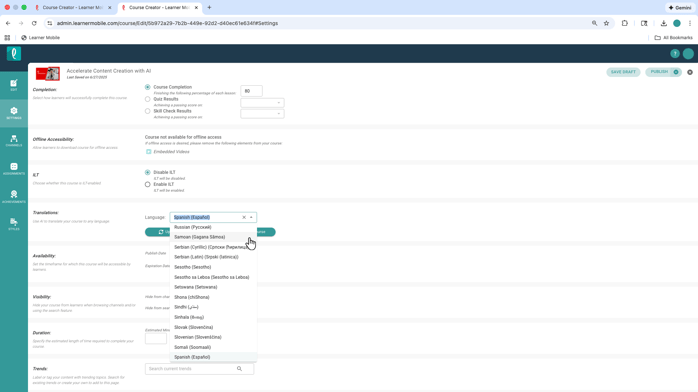
- Scrolldown to the Translations section, where you can select the language you want to translate the course into. Learner Mobile supports translations in over 100 languages.
- Once a language is selected, you can choose to Update the Course or Create a Duplicate. Creating a duplicate allows you to preserve the original content while managing translated versions side by side.
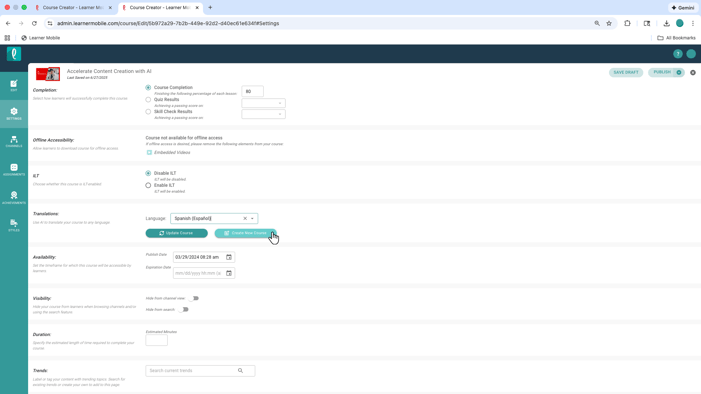
Translations are built directly into the content builder, so there is no need to export, recreate, or maintain separate versions outside the platform.
The result is faster rollout, consistenttraining across languages, and learning that feels accessible to every team, no matter where they are.